Background Auto Dialer for Android CRM: Honest Guide
Android cannot truly background-auto-dial. The honest menu: cloud calling plus an AI first call, or SIM call logging with recording.

You bought an auto-dialer app and it still asks you to press call every single time
I have heard this exact sentence from three admissions team leads in one month. You read “auto dialer for Android” on the SERP, you paid for the app, and your counsellor still taps the green button on every lead. That is not a bug. That is the truth nobody selling you the app put on the page.
Here is the thesis, two sentences. A true hands-free background dialer on Android is a myth for normal apps, the operating system will not let an ordinary app silently fire 80 calls untouched. So the real question is not which dialer is fastest, it is how to get more talk-time AND see every call your reps make AND not get spam-flagged AND not blow up an unpredictable per-minute bill, all at once.
This post is the de-hype map. No robot fantasy, a real menu of two tools for two jobs, with real prices. Before you pick anything, see what is on each ViveLead plan.
Manual dialing is the money bleeding out in front of you
Watch a counsellor dial by hand for one hour. Look up the number, tap, listen to ring, wrong number, dead line, voicemail, mark disposition, repeat. The talking happens in the gaps.
Industry benchmarks from dialer vendors, not numbers ViveLead measured, put manual dialing at roughly 15 to 25 dials an hour with only about 15 to 20 minutes of real talk-time in that hour. Power and auto setups push that to roughly 40 to 60 dials an hour and about 40 to 50 minutes of talk-time. The widely quoted figure from US sales-productivity studies is that a B2B rep loses around 35 percent of an eight-hour day, close to three hours, to dialing, voicemails, and dead numbers. Those are US-origin vendor benchmarks from sources like callingagency.com, SalesHive, and Aircall’s 2026 dialer guides. Treat them as direction, not gospel.
But the direction is the whole point. Same eight hours, double the conversations. That is the prize, and it is real money in intake season, earned by the numbers above, not by a slogan.
The 5-minute rule: why slow dialing loses the enrolment
“By the time my counsellor calls, the kid already joined Aakash or Allen.” Every coaching owner has lived this.
The hard data is the MIT and InsideSales Lead Response Management Study, led by Dr. James Oldroyd at MIT Sloan in 2007, which analysed more than 15,000 leads and over 100,000 dial attempts. The finding: your odds of CONTACTING a lead drop roughly 100 times, and your odds of QUALIFYING it drop about 21 times, when you call at 5 minutes versus 30 minutes. Harvard Business Review in 2011 only popularised these numbers, the study itself is the source. A common coaching-CRM restatement is that conversion falls 80 percent or more after the first 5 minutes, treat that as an industry estimate, not a lab figure.
In peak admissions, a single counsellor may sit on 80 to 150 fresh leads a day, 200 on the heaviest days. A faster dialer is not a productivity nicety there. It is the difference between you calling first and the institute down the road calling first. The other way to win that window is to not wait for a human at all: an AI voice agent can place the first qualifying call within minutes of the enquiry landing.
What “auto dialer for Android” actually does (the honesty trap)
Flat statement: Android does not permit a true hands-free background SIM auto-dialer for normal apps. The OS forces a human action between calls. Every consumer SIM-dialer app on the Play Store works inside that limit, whether the listing says so or not.
The proof is in the vendors’ own documentation. Calley’s help article, “How To Start Autodialing Using Your Android Phone,” confirms a “Post Call Feedback” screen the rep has to clear, cancel, skip, or enter feedback, before the next number dials. Their Personal users get only “Standard Mode,” capped at 25 calls a day. GoDial and DialMaster live in the same semi-automatic reality, a human taps or clears something between each call. None of this is the apps lying, it is the platform drawing a hard line, and these are honest help docs admitting it.
There is a second tax nobody mentions: battery and reliability. Android’s aggressive battery saver kills background calling apps, so calls cut out mid-list and the phone drains fast. Anyone who has run one of these for a full intake day will reject a pitch that assumes a flawless background robot, because they have watched it die at lead number 40.
So the honest conclusion of this section: you did not buy a robot. You bought a faster manual list. That is genuinely fine, IF you knew it going in. Most buyers did not, which is the whole reason this page exists.
The two honest ways to actually move faster
Path 1: Cloud calling (where true auto-dialing lives)
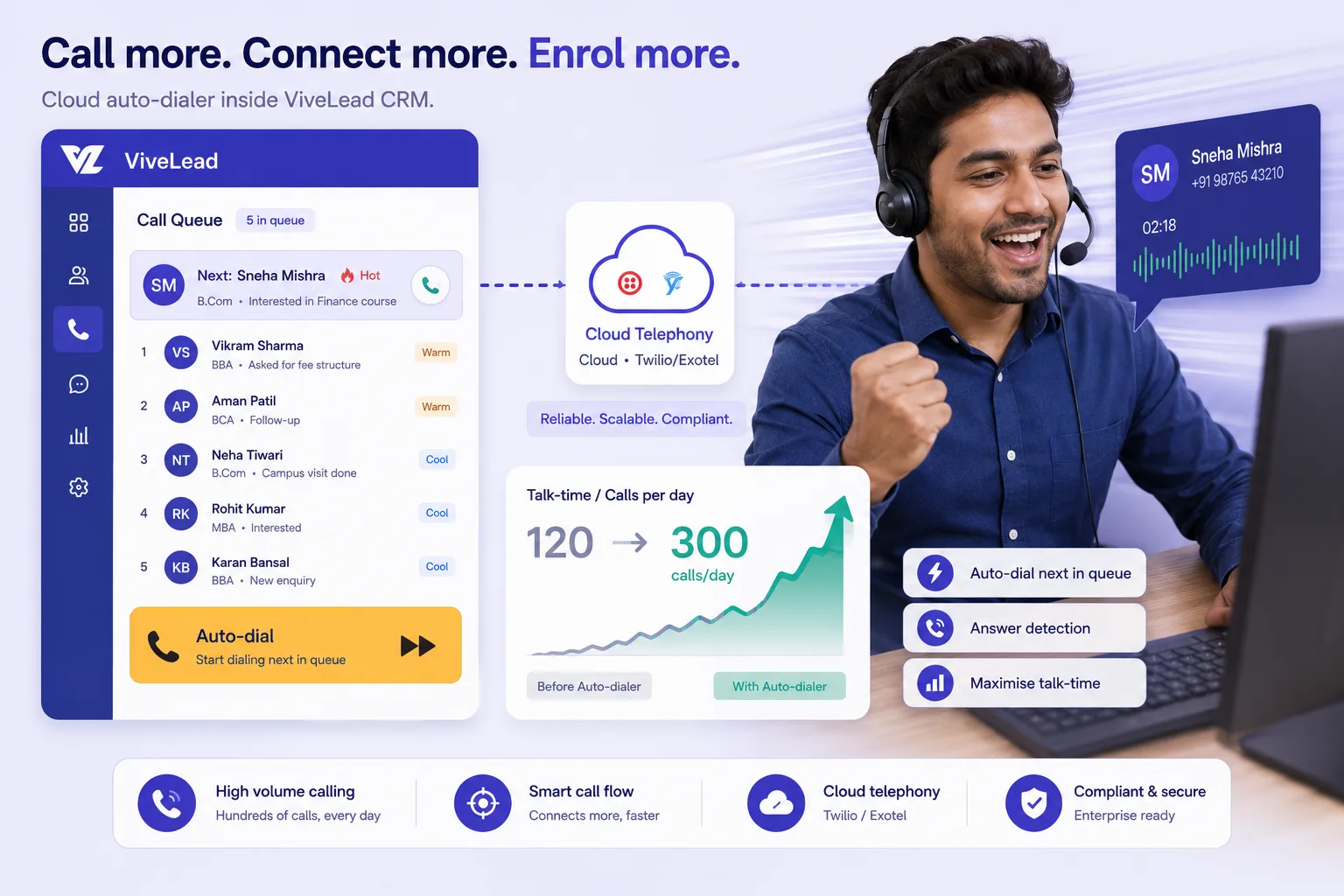
Real auto-dialing exists, just not on the SIM. It lives in cloud telephony, where a power dialer places the call and connects the rep, no per-call tap, no Post Call Feedback gate. To be clear about ViveLead: it does not have a power dialer today. Its cloud calling on the Business plan at Rs 1,699 per user per month runs on Twilio as click-to-call from the lead, with recordings and dispositions logged, and its AI voice agent can place the first call to each new lead automatically. You can use ViveLead’s Twilio account or bring your own.
What a minute costs on ViveLead’s Twilio account, from the rate the product bills today: Rs 4.75 a minute to Indian numbers (every +91 number is billed at the mobile rate), Rs 3.99 to other countries, and Rs 0.49 for inbound calls, each rounded up to the started minute and drawn from a prepaid in-app wallet rather than the subscription. That is the carrier’s cost plus a thin margin. If you bring your own Twilio account, Twilio bills you directly instead.
Now the trade-off nobody on the SERP says out loud. A cloud or VoIP outbound number shows up unknown or “Spam Likely” in India. Truecaller India reporting for 2025, carried by India TV and WION, flagged roughly 41.68 billion spam calls, about 4,168 crore, and around two-thirds, near 66 percent, of unknown numbers get tagged as spam. The effect on the floor: your rep dials 50 numbers and speaks to four people, then blames themselves, when the NUMBER is the villain. Honest mitigations: use a real local number, warm the number gradually instead of blasting day one, and register your DLT and TRAI details properly. ViveLead walks you through DLT Principal-Entity registration for outbound cloud calling, that is a process we guide you through, not a certification we hold.
Path 2: Android SIM call-logging with recording (accountability, zero call cost)
Different problem, different tool. The remote-rep problem, in their words: “My counsellors call leads from their personal phone and I have NO idea what they said.” And the worse one: “Reps mark not reachable on leads they never dialed.”
The fix, stated precisely. ViveLead’s Android app logs the calls a rep makes from their OWN phone SIM, with call recording, so every call ties back to the lead automatically. The owner sees that the call happened, the duration, and the recording. “Not picked” becomes verifiable, not a story your rep tells you at 6pm. Because it rides the rep’s existing mobile plan, there is ZERO extra call cost.
Read the guardrails before you pitch this internally, so nobody is misled. ViveLead’s Android app does not auto-dial. It logs the calls your rep makes manually from their own SIM, with recording, and ties each one to the lead. This is passive logging of manually-dialed calls, NOT a background auto-dialer. It is ANDROID ONLY, because iOS restricts third-party access to the call log, so it does not work on iPhone. And recording requires consent, covered in the compliance section below.
So which one do you actually need? (the decision table)
| What matters to you | ViveLead cloud calling (Twilio, Business) | Android SIM logging + recording | Semi-auto SIM apps (Runo/TeleCRM/Calley) |
|---|---|---|---|
| True hands-free auto-dial? | No, click-to-call; the AI voice agent can make the first call to new leads | No, rep dials manually | No, tap or feedback per call |
| Per-call tap needed? | One click per call | Yes, rep dials | Yes (Post Call Feedback gate) |
| Call cost model | Rs 4.75 a minute to Indian numbers, from a prepaid wallet | Zero extra, rides rep’s SIM plan | Subscription, SIM uses rep’s plan |
| Pick-up rate in India | Lower, VoIP often flagged spam | Higher, real personal number | Higher, real personal number |
| Recording | Yes, with telephony | Yes, on the Android app | Usually yes (varies by tier) |
| Ties to lead in CRM | Yes, automatic | Yes, automatic | Yes, automatic |
| Best for | Office desks on a laptop, and iPhone users | Field and home counsellors | Small teams that only dial a list |
The decision rules in plain words. One, if you need a machine that works through a list without a human per call, ViveLead does not have a power dialer today, so a dedicated dialer or a semi-auto SIM app fits that job better. Two, if your reps dial manually from Android phones and you mainly need proof plus a recording, SIM logging is enough and free. Three, many teams run BOTH: cloud click-to-call for the office desk, with the AI voice agent taking the first call on new leads, and SIM logging for the field and work-from-home counsellors. Mixing the two is normal, not a compromise.
“But Runo is Rs 599 and TeleCRM is Rs 799, you are Rs 999”
Fair. Let me concede it cleanly before I frame it. As researched in 2026, check current vendor pricing: Runo runs about Rs 599 to Rs 899 per user per month across its 12, 6, and 3-month tiers, with an auto-dialer and recording in all tiers, a WhatsApp add-on around Rs 149 per user per month plus GST, and a 10-day trial. TeleCRM is Rs 799 per user per month on annual billing (Rs 1,099 quarterly), with Chat Sync at Rs 200 per user per month and a one-time Rs 1,999 WhatsApp API setup. Both are SIM-based and live in the same semi-automatic reality this whole post described.
So here is the honest line. If all you do is dial a list, a Rs 599 SIM CRM may genuinely be enough. Buy that. I am not going to pretend you need more than you need.
The real frame is different. Runo and TeleCRM are built calling-first. ViveLead Business at Rs 1,699 is calling PLUS the sales pipeline, quotation and invoicing with multi-currency, the official Meta WhatsApp Business shared team inbox, appointments and public booking links, lead capture API, payment collection, and reports with funnel drop-off. One bill, instead of stitching together a dialer, then a CRM, then a separate WhatsApp BSP.
That stitching cost is real. Standalone WhatsApp BSPs like Interakt, Wati, or AiSensy charge a monthly platform fee PLUS Meta’s per-message pass-through. ViveLead’s WhatsApp, on Professional Rs 999 and up, uses the official Meta WhatsApp Business Cloud API where you connect your own WhatsApp Business account, and Meta bills per message directly to that account with no ViveLead markup. So the comparison is not “Rs 999 versus Rs 599.” It is one consolidated bill versus a dialer plus a CRM plus a BSP platform fee. Worth being plain about which side of that we are on: ViveLead is not the cheapest dialer and does not try to be. What it replaces is the stack.
One discipline I will not break: ViveLead is a CRM that captures, syncs, and logs. It is not an LMS and not an ERP. Business consolidates a dialer, a CRM, and WhatsApp into one login. It does not replace your learning platform or your accounting system, and I am not going to imply it does.
Recording calls in India: the part most teams skip
If you record business calls, the DPDP Act 2023, the Digital Personal Data Protection Act, No. 22 of 2023 from MeitY, treats you as a Data Fiduciary. That means clear notice plus free, specific, informed consent before you record, secure storage, and deletion once the purpose is served. Penalties run up to Rs 250 crore per breach. This is Indian law, not a vendor scare line, and it applies whether the call is on a cloud number or a personal SIM.
What ViveLead can actually claim on security: GDPR principles, the IT Act 2000, SSL with AES-256 encryption, RBAC, with payments through Razorpay and data handled per Indian norms. To be explicit about the limits: we do not claim SOC 2, ISO 27001, HIPAA, CCPA or FERPA. TRAI and DLT here are industry framing, not a ViveLead certification.
One aside, because admissions teams ask. When a counsellor walks out with the call list, Section 27 of the Indian Contract Act 1872 means non-competes are largely unenforceable, so the logged data sitting inside your CRM is your real protection, not a clause in their contract.
Setting it up in ViveLead (concrete, short)
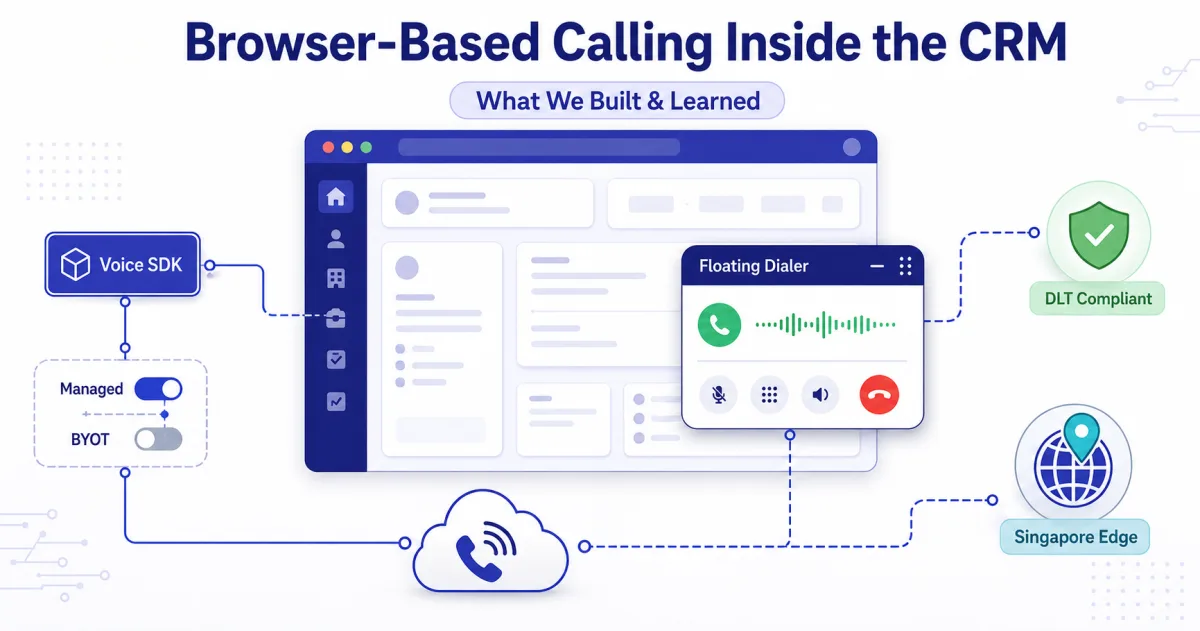
Cloud path. Use ViveLead’s Twilio account or connect your own, top up the wallet, and reps click-to-call from the lead. Calls, dispositions, and recordings log automatically on the Business plan. For the engineering detail of how the in-CRM dialer is built, read browser-based calling inside the CRM, and for the broader dialer overview see the AI dialer guide.
SIM path. Install the ViveLead Android app, reps dial leads from their own phone, and calls plus recordings auto-attach to the lead. Android only, as covered above.
For the EdTech speed angle specifically, see WhatsApp CRM for coaching institutes and the lead-to-enrollment guide for Indian EdTech. Pick the path that matches how your reps already call, then start a 3-day trial and test it on one real intake week.
Android Auto Dialer FAQs
Background dialing, SIM logging, cloud telephony, costs, and compliance
Double your talk-time the honest way
Android SIM call logging with recording on every plan; cloud calling and the AI voice agent on Business, Rs 1,699/user/month. 3-day free trial. No credit card required.