SIM Call Tracking CRM: Every Call on the Lead, from Rs 399
ViveLead logs every call your reps make and take on their own SIM on to the lead, with the recording. Android only. Every plan, from Rs 399 per user.

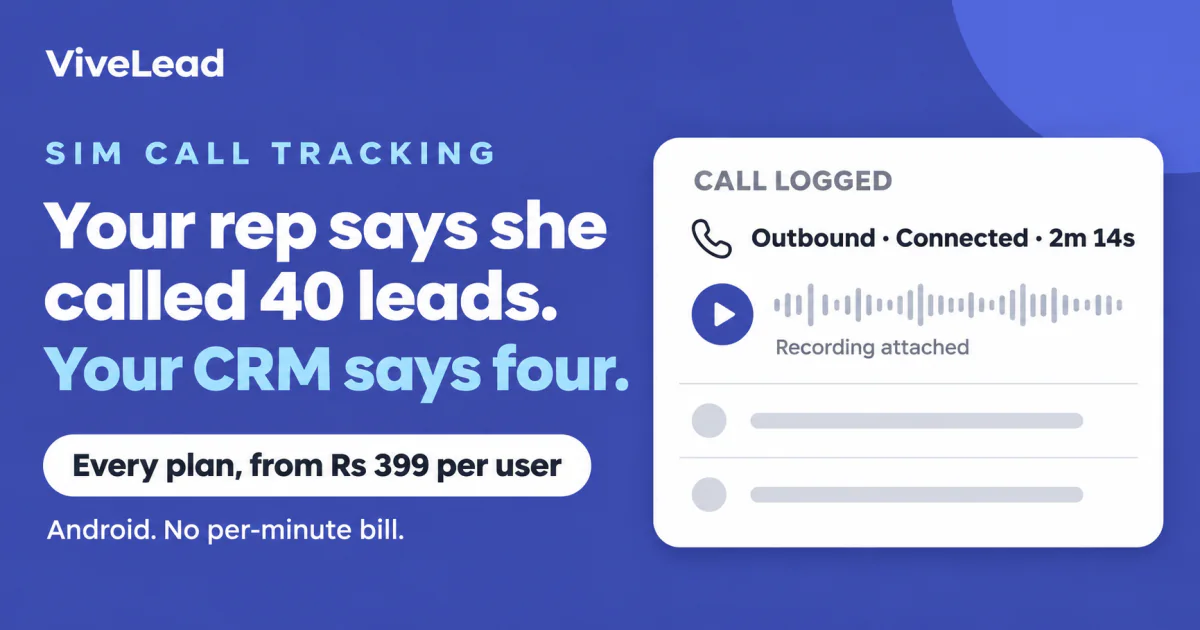
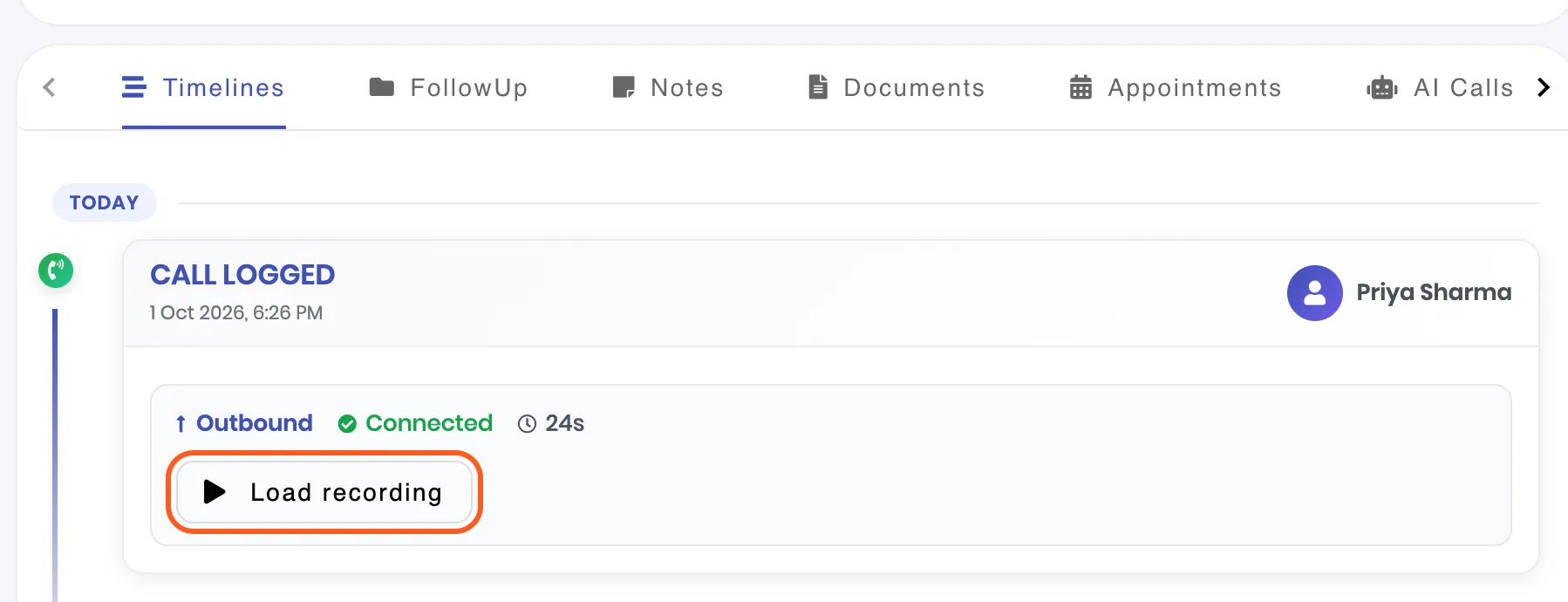
Your reps call leads from their own phones, so the CRM never sees those calls and “I called them” cannot be checked. ViveLead’s Android app closes that gap. Every call a rep makes or receives on their own SIM with a lead is written on to that lead: who called, the direction, whether it connected, how long it lasted, and the recording if the phone records calls.
Nothing routes through us, so there is no per-minute bill. It is on every plan, from Rs 399 per user per month billed yearly (Rs 499 billed quarterly, 3-user minimum, before 18 percent GST).
Three limits to know before you read on: it works on Android only, it is not an auto-dialer, and the recording comes from the phone’s own recorder, which some phones do not allow.
What Lands on the Lead
- Every call, in and out. Outgoing, incoming and missed calls with a lead show on the lead’s timeline with the rep’s name, the direction, whether the call connected and its length. A call usually reaches the CRM within a minute of hanging up, even when the app is closed.
- The recording. The phone records the call, the app uploads the file and attaches it to that call. Play it on the lead in the app or on the dashboard, or download it. Anyone who can open the lead can listen: reps on their own leads, admins on all of them.
- Who is calling, before the rep picks up. When a lead calls, a card on the phone shows their name, stage and source. A caller who is not a lead shows a Save lead button.
- Personal calls stay out. A call with a number that is not a lead stays on the phone. On a dual-SIM phone the rep picks the work SIM, and calls on the other SIM are left alone.
See What Each Rep Actually Did
Open Reports & Analytics, then the Team tab. Call activity lists each person’s total, outgoing, incoming, connected and missed calls, their talk time and their target.
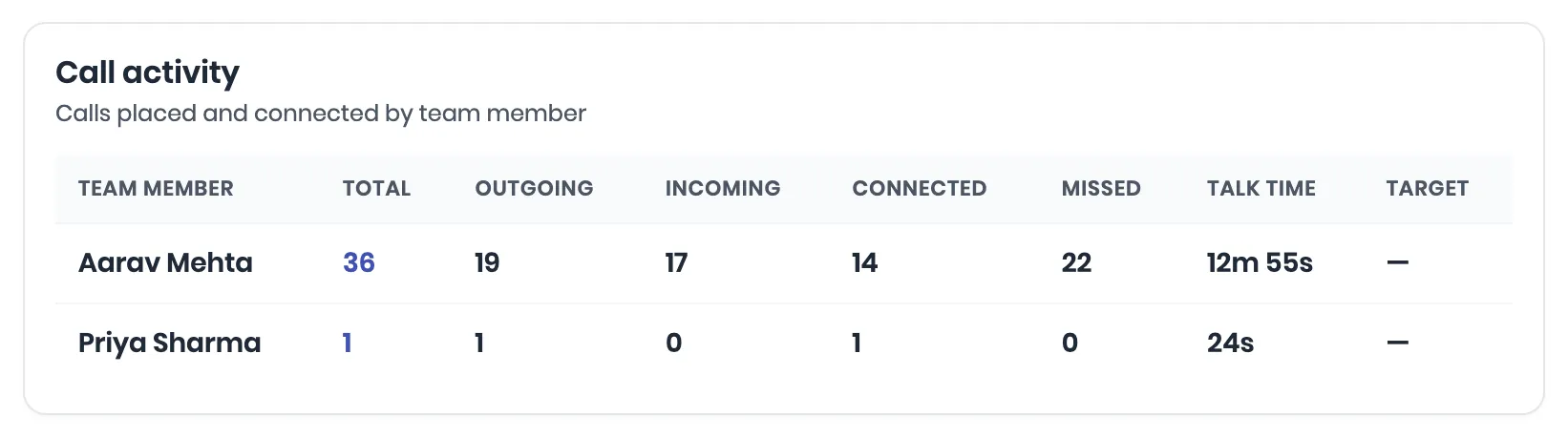
These figures come from the handset’s own call log, not from a rep ticking a box. That matters more than it sounds. In our own call log (14,264 calls across 9 customer teams, 10 June to 27 September 2026), 5,806 leads received at least one outbound call, and 79.7 percent of them got exactly one attempt. A self-reported sheet does not show you that. The full analysis has the method and its limits.
How It Works on a Rep’s Phone
- Install the ViveLead app and allow call access. Each rep signs in on their own Android phone. On a dual-SIM phone the app asks which SIM is for work.
- Turn on auto-record in the phone’s own Phone app, then link that folder once in ViveLead. ViveLead does not record calls. The phone does, and the app picks up the file.
- Call as usual. The rep dials from the phone, or clicks Call from my phone on the dashboard and their own phone places the call. Either way the call lands on the lead.
The step-by-step guide, with the menu path for Samsung, Xiaomi, realme, OPPO, OnePlus and vivo phones, is Set up call recording on your team’s phones.
What It Costs
| Plan | Per user per month |
|---|---|
| Starter, recordings kept 6 months | Rs 399 billed yearly, Rs 499 billed quarterly |
| Professional, recordings kept 1 year | Rs 799 billed yearly, Rs 999 billed quarterly |
| Business, recordings kept 2 years | Rs 1,359 billed yearly, Rs 1,699 billed quarterly |
SIM call tracking, recording sync and follow-up reminders are the same on all three plans. Professional adds WhatsApp and automations, and Business adds cloud calling and the AI agents. Prices exclude 18 percent GST and the minimum is 3 users.
- No per-minute charge from us. The call goes out on the rep’s own SIM, so the only calling cost is the mobile plan they already have.
- Fair use. Recording is included up to 150 hours of recorded calls per user per month, counted across the whole team.
- Notice before a recording is deleted. The admins get an email and an app notification at least seven days ahead. Only the audio is deleted, and the call stays on the lead.
The full plan tables are on pricing.
What It Does Not Do
- iPhone. iOS does not let any app read the call log or call recordings. On an iPhone, ViveLead logs only a call the rep starts from a lead inside the app, and asks the rep how it went.
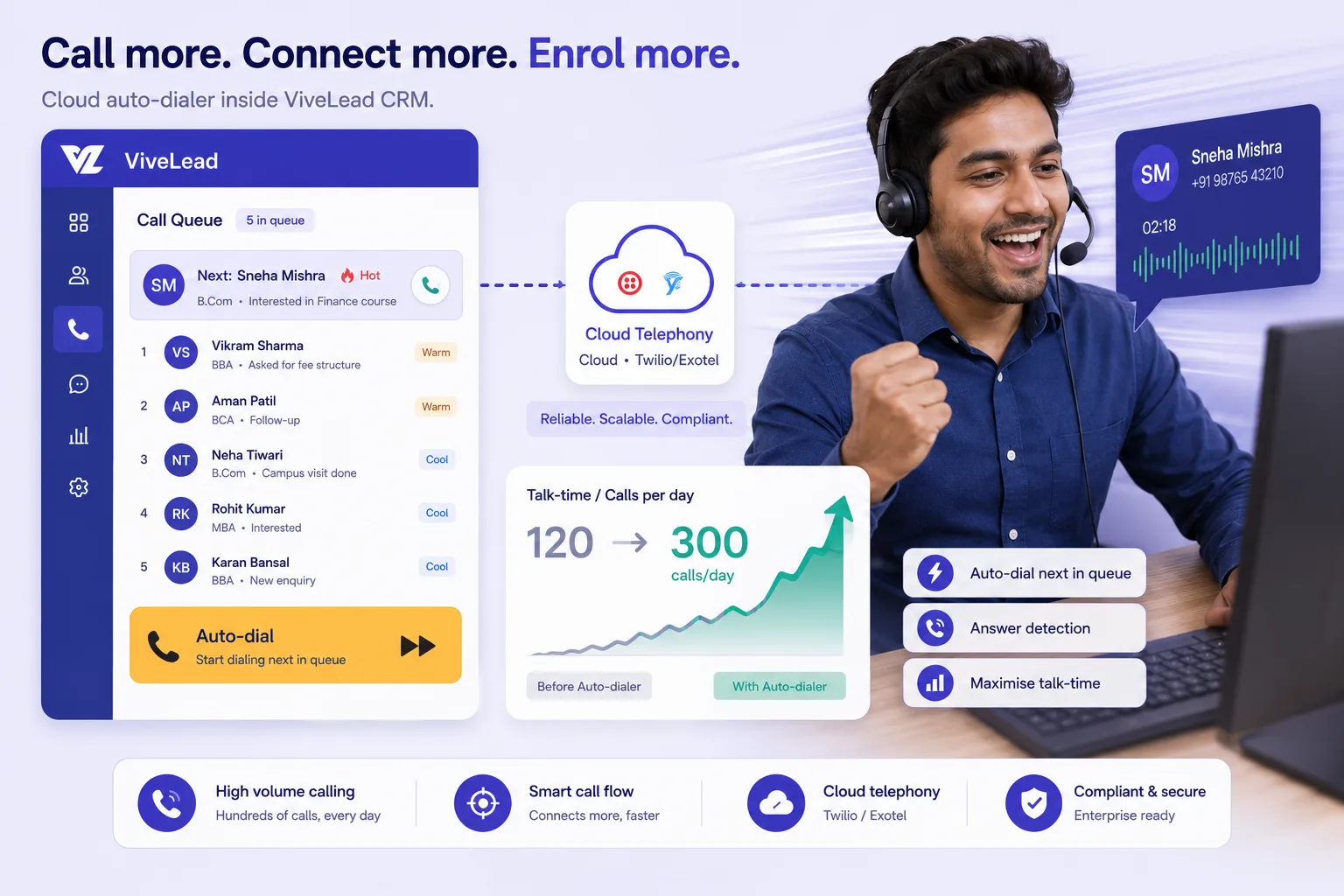
- Auto-dialing. ViveLead logs the calls reps make. It does not dial through a list for them.
- Recording on every phone. Phones that use Google’s Phone app (Pixel, Motorola, Nokia, Nothing, and many newer Xiaomi, vivo, OPPO, realme and OnePlus phones) keep recordings inside that app. Calls from those phones still log on the lead, without the audio.
- Very long recordings. Files over 50 MB are not uploaded. On some phones that is a call of about 50 minutes.
- WhatsApp calls. Only phone calls on the SIM are logged.
- IVR, virtual numbers and call masking. That is cloud telephony. ViveLead’s cloud calling is on the Business plan and is billed per minute from a wallet: see Call a lead from ViveLead.
If your reps sit on a dialing queue all day, a calling-first tool will suit them better. Our TeleCRM comparison says where each one wins.
SIM Call Tracking: FAQs
Recording, iPhone, cost and privacy, answered plainly
Related Reading
- Set up call recording on your team’s phones: the setup, phone by phone
- Best time to call a lead in India: what 14,264 logged calls show
- TeleCRM alternative: calling-first tool against a full CRM
- ViveLead pricing: every plan and what it includes
See your team's calls on the lead
Founder-led demo, then a 7-day trial on your own reps' phones. CRM from Rs 399/user billed yearly.